Read a Gmail Message Aloud Without Hearing the Whole Inbox

Open the message you need, press the CastReader Listen button beside its subject, and hear the visible email body with paragraph highlighting. For long threads or complex newsletters, use the checks below to choose exactly what gets read.

Chrome and EdgeCurrent Message FirstParagraph HighlightingThread and Mobile Fallbacks

To read a Gmail email aloud on desktop, open the individual message in Chrome or Edge and press the CastReader Listen button beside the subject. CastReader reads the visible message body instead of starting from the inbox controls. In a long thread, expand the exact message you want first; if a collapsed quote, table, or signature is skipped, select that passage and use selected-text reading.

Choose the Right Gmail Reading Workflow

The useful answer depends on whether you are reading one message, a long thread, a formatted newsletter, or Gmail on a phone.

One email: open the message itself

Do not start playback from the inbox list. Open the message so Gmail renders its subject and body, then use the Listen button beside the subject. This keeps navigation labels and mailbox controls out of the reading queue.

Long thread: expand the message you need

Gmail collapses older replies and quoted history. Expand the specific reply before listening. CastReader prioritizes the currently visible message and attempts to exclude standard quoted history, but unusual thread layouts may still need selected-text reading.

Newsletter: expect a text-first result

HTML newsletters can contain columns, image captions, buttons, tracking footers, and table-based layouts. CastReader extracts readable text, so the spoken order may differ from the visual design. Select a section when order matters.

Phone: use the operating-system control

The CastReader browser extension is for desktop Chrome and Edge. In the Gmail mobile app, use iOS Speak Screen or Android Select to Speak when you need a quick accessibility fallback.

What to expect, by what the message contains

Email is mostly boilerplate wrapped around a short amount of actual content, and the wrapper is what makes it awkward to listen to.

What you're readingWhat the page reader doesIf it sounds wrong
A short plain-text messageReads the message bodyNothing needed
A long quoted reply chainMay read the quoted history as well as the new textCollapse the quote, or select only the new message
Signatures, disclaimers, unsubscribe footersAre part of the body, so they get readSelect the message text above them
An HTML marketing newsletterReads link labels and layout text in visual orderSelect the article passage you care about
A collapsed message inside a threadIs not rendered yet, so it is not readExpand that specific message first
An attachmentIs not the message bodyOpen the file and use the document workflow

How to Read the Right Gmail Message Aloud

  1. 1

    Open the individual email

    Choose a message from the inbox and wait until its subject and body are visible. Reading from the inbox view can capture message previews instead of the full email.

  2. 2

    Expand only the reply you need

    In a conversation, expand the newest reply or the earlier message you want to hear. Leave unrelated quoted history collapsed.

  3. 3

    Press Listen beside the subject

    CastReader builds a reading queue from the visible message body and highlights paragraphs as playback moves through the email.

  4. 4

    Use selected text for difficult layouts

    If a table, signature, collapsed quote, or newsletter block is missing or out of order, select that passage and use the selected-text reader instead of replaying the whole message.

What Gmail Read-Aloud Tools Can and Cannot Do

Gmail supports keyboard navigation and screen-reader workflows, but the web interface does not provide one consistent play control that reads only the current message body across every account and layout. A dedicated message reader is useful when the goal is listening rather than navigating the mailbox interface.

Email extraction is not identical for every message. Plain-text emails are straightforward; long conversations, collapsed quotes, forwarding headers, tables, and marketing newsletters are harder because Gmail may hide or rearrange parts of the message. A useful reader should give you a clean default and a selected-text fallback instead of promising that every layout will sound perfect.

CastReader processes the text needed for the requested speech workflow. Do not play confidential mail on a shared device or through speakers where others can hear it, and review the CastReader privacy policy before using any cloud speech tool with regulated or highly sensitive messages.

Gmail Read-Aloud Questions

Direct answers for messages, threads, newsletters, mobile devices, and privacy.

How do I make Gmail read one email aloud?

Open the individual message in desktop Chrome or Edge, then press the CastReader Listen button beside the subject. Start from the message view, not the inbox list, so the reader targets the email body.

Does Gmail have a message-body play button?

Gmail provides accessibility support for screen readers and keyboard navigation, but its web interface does not provide one consistent message-body play control across every account and layout. CastReader adds a listening workflow focused on the open message.

How do I listen to one reply in a long Gmail thread?

Expand the reply you want and keep unrelated quoted history collapsed before pressing Listen. If Gmail still mixes replies together, select the target reply and use selected-text reading.

Why did part of an email get skipped?

The missing text may be inside a collapsed quote, iframe, table, signature block, or image. Expand it first; if it remains outside the reading queue, select the passage and read the selection.

Will a formatted Gmail newsletter read in visual order?

Not always. Many newsletters use table columns and decorative blocks that do not have a clear spoken order. CastReader produces a text-first result, and selected-text reading is the safer option for a specific section.

Can I read Gmail aloud on iPhone or Android?

The CastReader browser extension runs on desktop Chrome and Edge. In the Gmail mobile app, use iOS Speak Screen or Android Select to Speak for a quick device-level option.

Does this work with Google Workspace Gmail?

It works on the Gmail web interface used by personal and Google Workspace accounts. An organization can restrict browser extensions, so managed users may need administrator approval before installation.

Is it safe to read confidential email aloud?

Treat spoken email like any other disclosure: use headphones, avoid shared devices, and check the privacy policy before sending sensitive text to a speech service. Do not use a cloud reader where policy or regulation forbids it.

Is Gmail reading free in CastReader?

CastReader is free to start with daily allowances. Pro provides higher usage limits and additional voice and explanation access; the pricing page is the source for current limits.

What our own data shows

  • Productivity apps were a small share of listening compared with books — but the sessions were not skims.
  • Across the whole sample the average session was heard 71.7% through, and nearly 60% ran to 90–100% completion.

From our own read-aloud report — 41,396 anonymous listening sessions across 3,075 devices, 8 April to 22 June 2026. A behavioural sample of CastReader users, not a census of all readers.

Read the full report

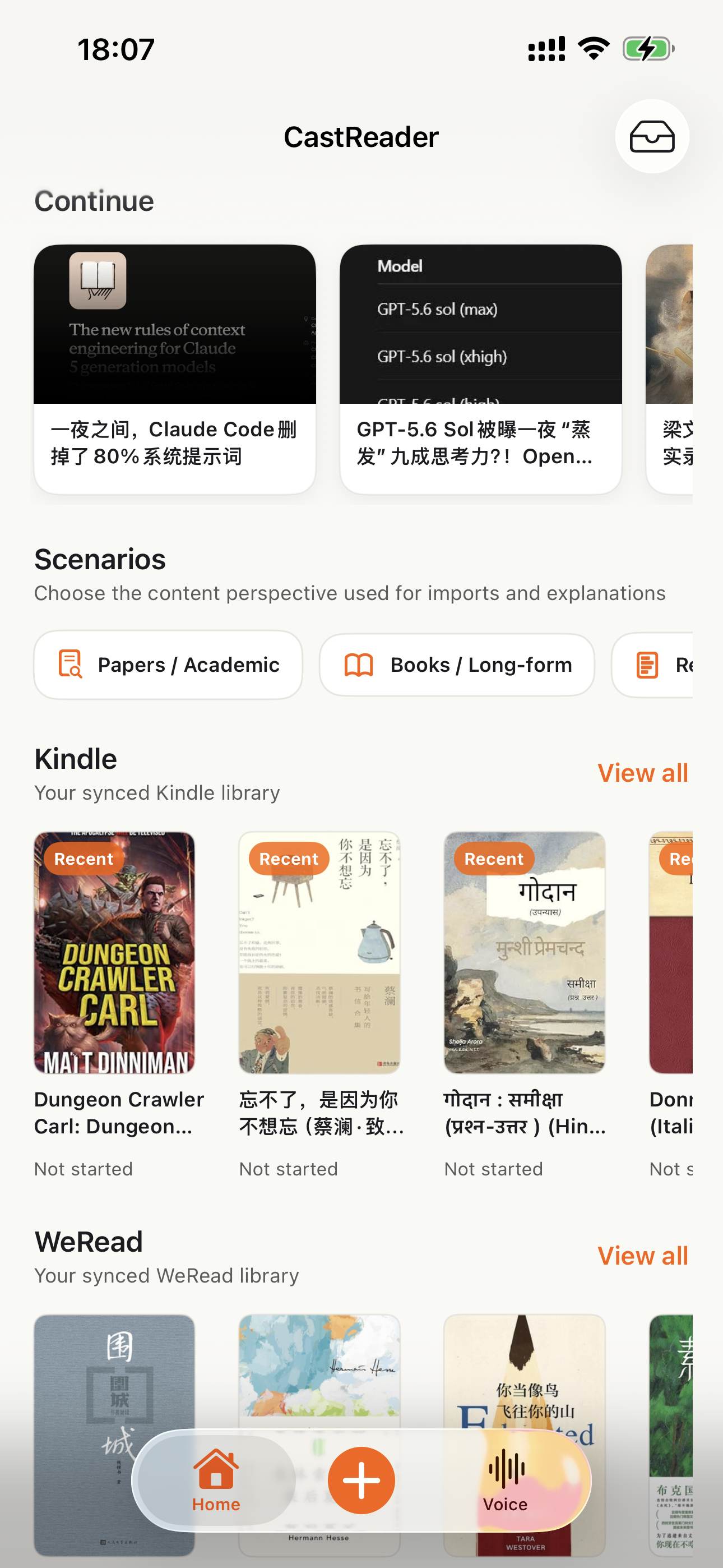
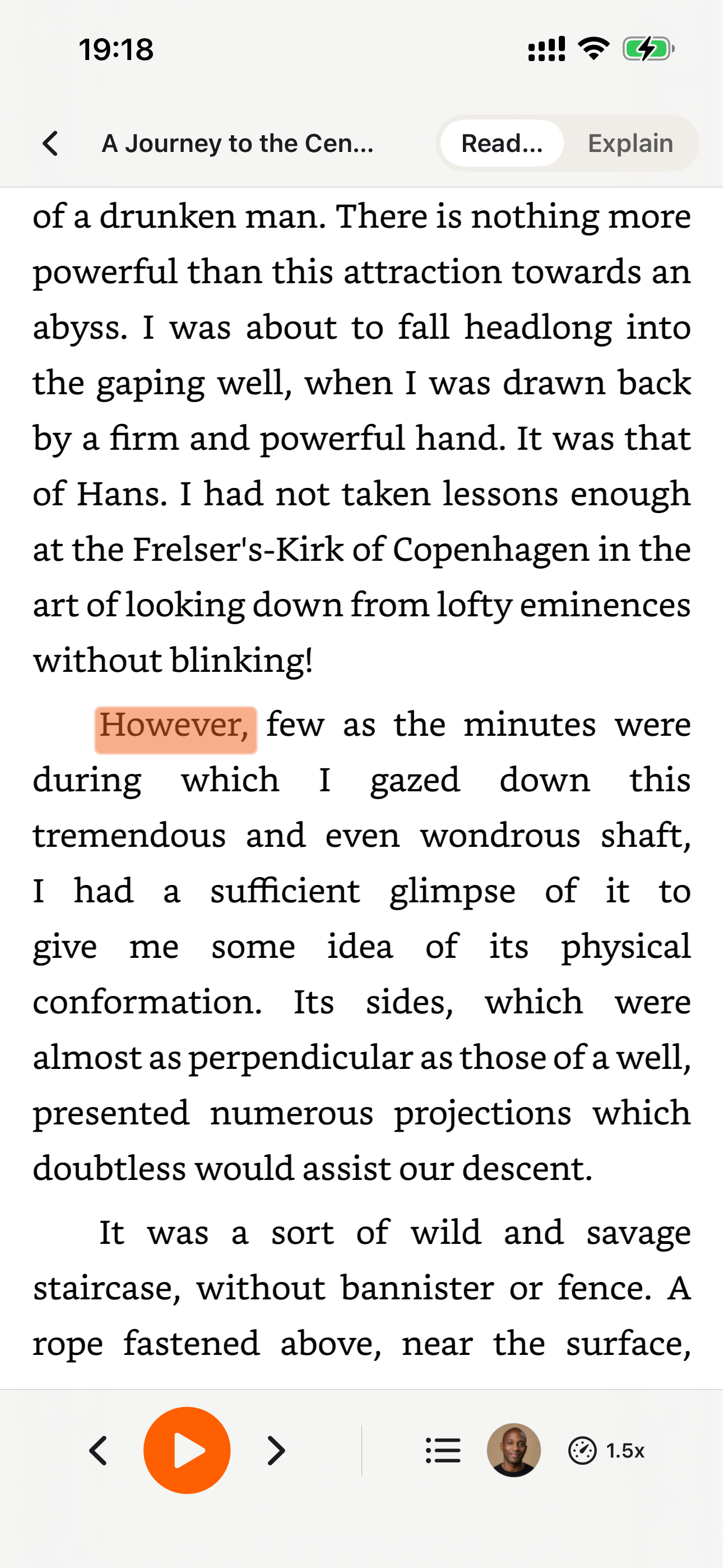
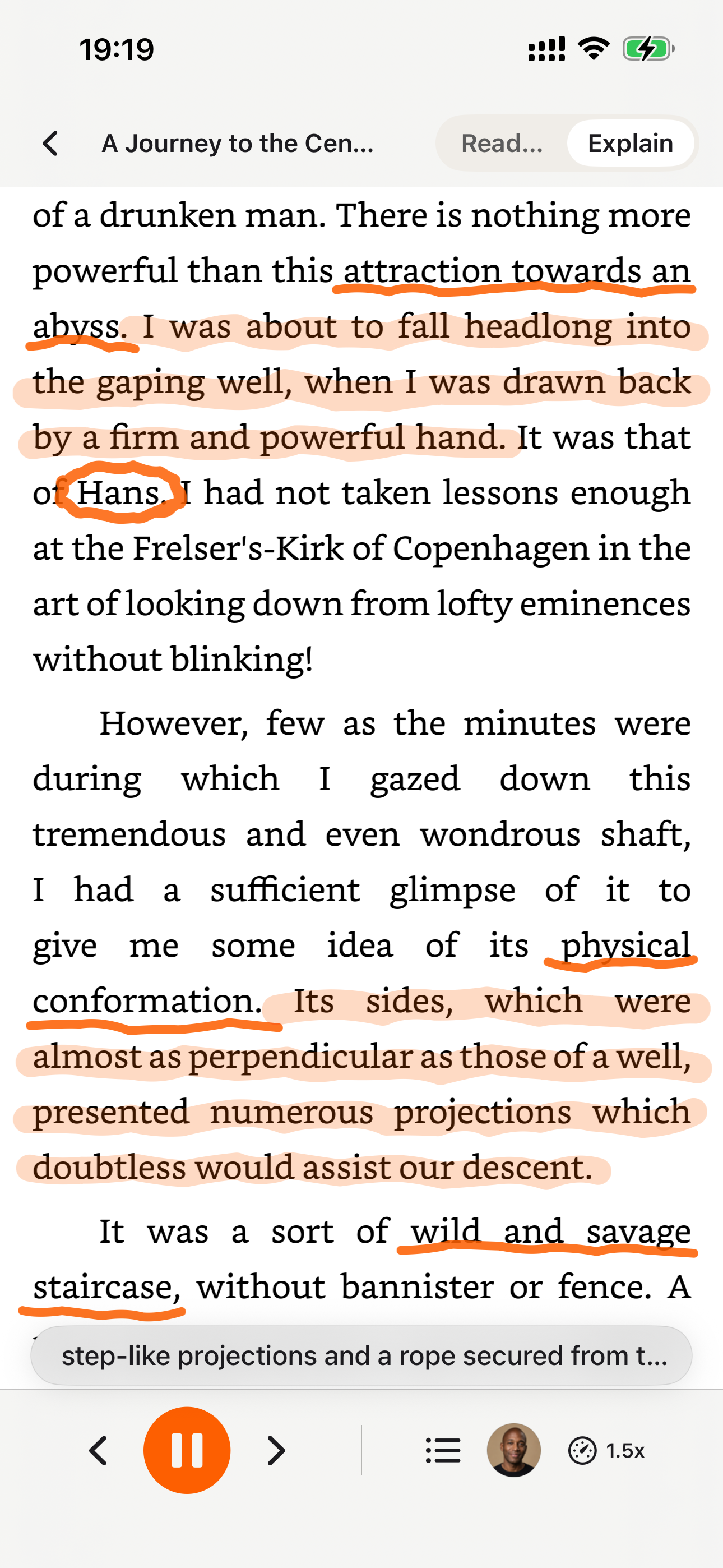
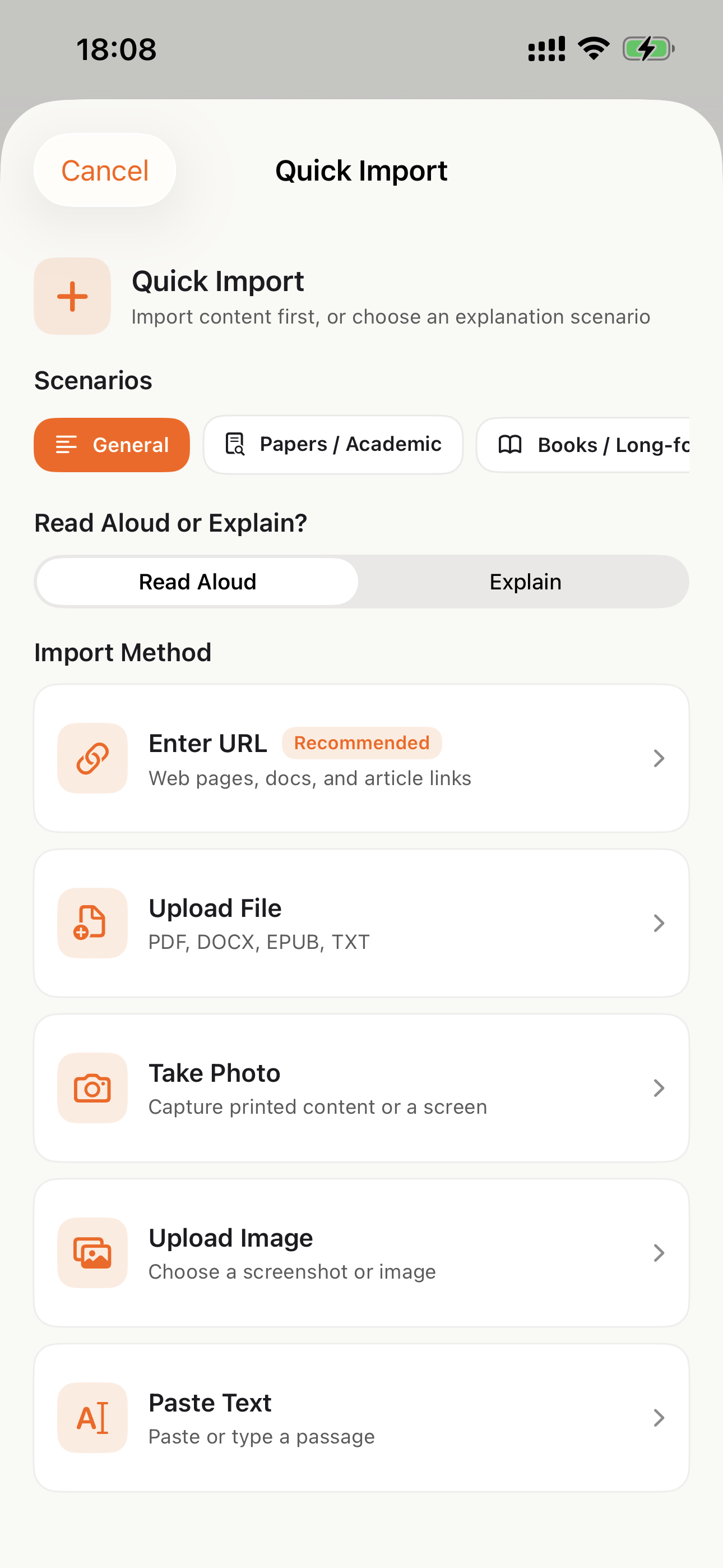
Listen on Your Phone

Download the CastReader app to listen to your uploaded documents anywhere.

Explore books
Book details
Reading experience

Why TTS Matters in 2026

Hard numbers — not vibes — from authoritative sources

$2.22 billion

US audiobook sales in 2024, up 13% year-over-year (Publishers Weekly / Audio Publishers Association)

Source →

51%

of US adults have listened to an audiobook in 2025 — roughly 134 million people (APA Consumer Survey 2025)

Source →

2.2 billion

people globally with near- or far-vision impairment (WHO Fact Sheet, 2024). TTS is the primary access path for digital reading content.

Source →

78%

of audiobook listeners multitask while listening — commute, chores, exercise (Audiolibrix Great Audiobook Survey, 2024)

Source →

27.2 minutes

average single-trip US commute in 2024, up from 26.8 (US Census ACS via Statista). That's nearly an hour each day of audio-only time.

Source →

effect size 0.35

measured comprehension lift from TTS for reading-disabled students across 22 studies (Wood, Moxley, Tighe & Wagner, Journal of Learning Disabilities, 2018)

Source →

15.5 million

US adults with ADHD per CDC 2024 — about half diagnosed in adulthood (CDC MMWR, October 2024)

Source →

What Readers Say — Including the Critical Reviews

Every Chrome Web Store review below is verifiable at the link in each card. We don't hide negative feedback — we answer it within 24 hours.

★★★★★
This is 1 of the best TTS and its smooth. If this is truly free i'll keep this 100%. Every other TTS says its free but has a secret. They interrupt or they just say better ai voices pay. But i like this voice. I've tried loads and this is 1 of the best ones that actually says free.
Jordan · Chrome Web Store
★★★★★
Works perfectly on vivaldi. One suggestion though. I wish it had a play button appear next to a paragraph when we hover over it. Just like in the case of speechify.
Loic COBBINA · Chrome Web Store
★★★★★
Extremely user friendly short keys. Placed forward backward and speed up down as Natural as it could be. Voices are great and smooth. I would recommend it over many hyped products.
grann tosif · Chrome Web Store
★★★★★
At the very least it's better than many paid TTS models. Still not as good as ElevenReader or LAP, but maybe the best free model for TTS.
eclpse_ · Chrome Web Store
★★★★★
So glad I can finally switch voices! The default was fine but I found one I actually enjoy listening to for hours. Small thing, huge difference.
patrick chiang · Chrome Web Store
★★★★★
Best one i found, user friendly, and great voice over.
Mohab A · Chrome Web Store
★★★★★
ChatGPT's long answers are finally listenable. Let it generate while I listen — doubles my productivity. Love the inline button next to each response.
young D · Chrome Web Store
★★★★★
I tried using this add-on to listen to an ebook on the O'Reilly learning platform, and it works smoothly. However, it always restarts from the first paragraph whenever I scroll or select a different paragraph. Please consider adding a bookmark or checkpoint feature so users can mark where the reading should begin.

↪ Founder reply

Replied by CastReader founder Yan Xu within 48 hours: acknowledged the issue, shipped a bookmark feature in the following release. Reviewer's verbatim feedback drove the v1.2 roadmap.

Hedi · Chrome Web Store
★★★★
Need to highlight text and select it.
Vivian Le · Chrome Web Store
★★★★
Hard to select text.

↪ Founder reply

Replied by CastReader founder Yan Xu within 24 hours: apologized, asked which site/browser the issue occurred on, provided a workaround using the keyboard shortcut, and offered direct support at support@castreader.com.

David Smolinski · Chrome Web Store

Read all 28 reviews on Chrome Web Store

Recent Updates

We re-test, re-write, and ship continuously. Every entry has a real date.

  1. Site-wide trust signals refresh

    Rewrote landing pages with verbatim Chrome Web Store testimonials, real audiobook market data, and tested-12-extensions methodology. Every claim now has a sourceable link.

  2. Native mobile listening

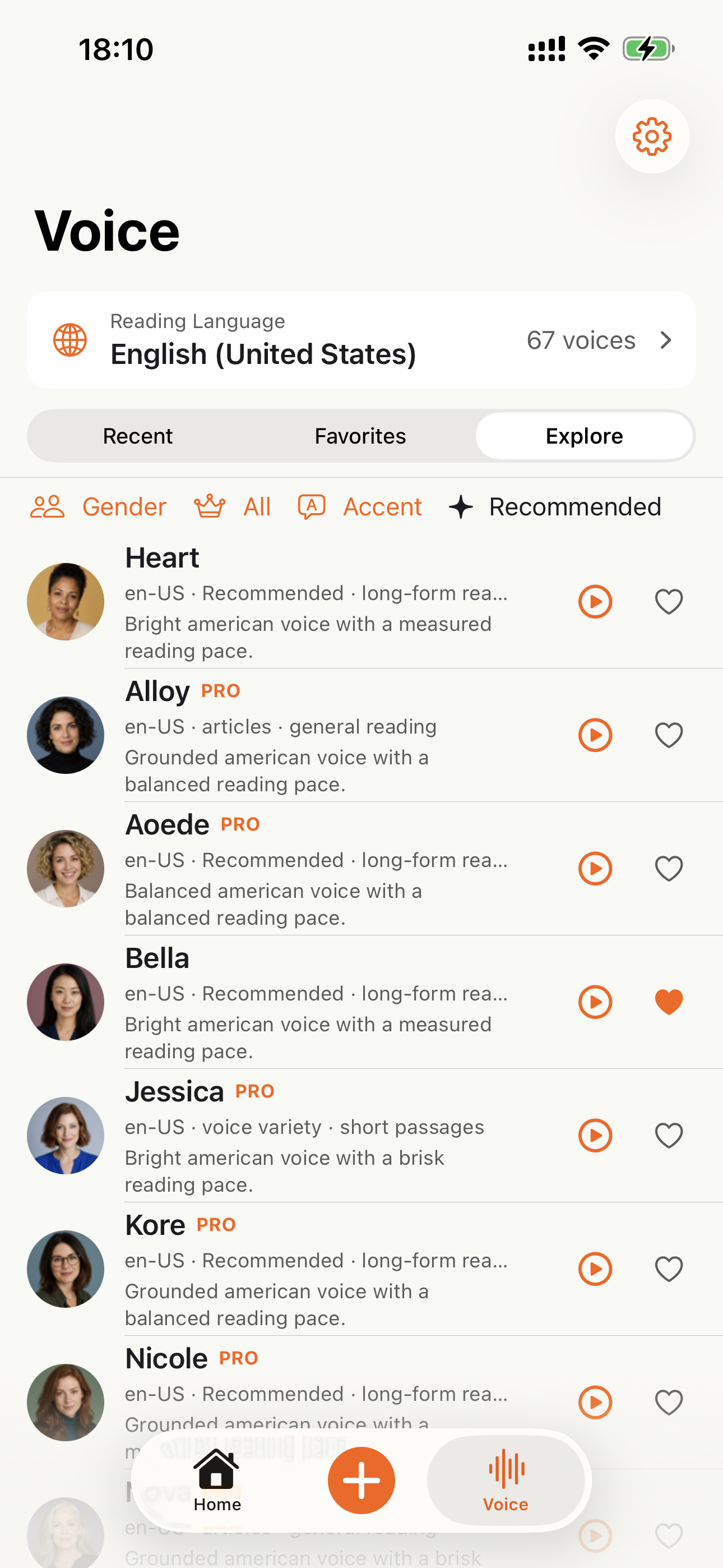
    CastReader provides native apps for iPhone and Android; Android downloads are available directly from Google Play.

  3. Technical deep-dive published

    Wrote up the OCR pipeline: how CastReader handles Amazon's 184 random font alphabets and 361 unique glyphs per Kindle book. Shared in dev.to.

  4. Mobile Kindle Read Aloud page added

    The phone app flow now has its own landing page for bookshelf sync, Read Aloud, synced highlighting, auto-scroll, background playback, and resume progress.

  5. Featured on Product Hunt

    Ranked #10 in Daily, 99 upvotes, 4 community comments shaped the v1.2 roadmap.

  6. Voice quality upgrade — Kokoro AI

    Switched from older TTS engines to Kokoro neural voices. User reviews shifted from 'usable but robotic' to 'enjoy listening for hours' (verbatim from review by patrick chiang).

  7. First wave of extraction reliability improvements

    OCR success rate improved from 78% to 89% on English-language Kindle books. Multi-column page detection added for academic PDFs.

Why This Exists

I built CastReader because I owned hundreds of Kindle books and couldn't listen to them on my morning runs without buying separate Audible copies. The technical problem — Amazon's Cloud Reader font encryption — turned out to be solvable with OCR. The product problem — making it actually pleasant across phones, desktops, and 9 supported languages — took two years of iteration. We're a small team. I answer every Chrome Web Store review personally (see testimonials above — including the 3-star and 1-star ones). If something's broken or missing, email support@castreader.com.

— Yan Xu, founder

Last reviewed: · CastReader Team — reviewed against 2025 testing data

Open the Message You Actually Need to Hear

Start with the visible email body, then use selected-text reading when a thread or newsletter layout needs more control.

Any website· Kindle / Google Docs / Notion· PDF / EPUB / DOCX· 9 languages · German included

Official App Store and Google Play downloads · Chrome, Edge, and Firefox extensions

How to Read Gmail Emails Aloud in Chrome | CastReader