Read This to Me
Paste a passage below and press Play. It is read aloud by your own device, so nothing is uploaded and there is no sign-up.
To have text read to you right now, paste it into the box below and press Play — CastReader speaks it using the voices already installed on your device, free, with no account and nothing uploaded. For material that is not loose text — a PDF, DOCX or EPUB file, a webpage or AI answer, a Kindle book, or a passage in a language you do not read comfortably — use the CastReader browser extension or mobile app, which add natural AI voices, synced highlighting and cross-language explanation. The routing table further down this page matches each kind of content to the workflow built for it.
Paste text and have it read to you
Runs in your browser — nothing is uploaded
Device default
On-device · free · no sign-in · unlimited local playback.
On-device
Free, unlimited and no sign-in. Text stays on this device.
Free AI voices
Sign in for 20 AI voice minutes and 3 Explains each day.
Pro + cloned voices
Signed-in Free and Pro members can create multiple personal voices and play fixed previews. Applying them to Read Aloud or Explain requires Pro and shares 120 minutes per membership month.
Start free, then choose how natural you want to go
Keep using an on-device voice without an account, sign in for daily AI allowances and multiple personal voices with fixed previews, or choose Pro to apply those voices for 120 minutes per membership month.
CastReader Voice API
Need an audio file — or a voice for your app?
Keep using this reading tool as usual. For MP3 / WAV generation, multilingual speech or private voice cloning in your product, use the separate Voice API. Reading voices and API voices are selected separately.
- 1,300+ previewable voices
- 10 synthesis languages
- $8 / million characters
Self-service after identity verification · 3,000 trial characters per account (30 days; daily limits apply) · Separate API billing · Up to 500 characters per queued task
Request example · send text, retrieve audio
POST /v1/jobs
{
  "model": "clone-v1",
  "voice_id": "YOUR_VOICE_ID",
  "text": "Give your app a voice.",
  "language": "en",
  "output_format": "mp3"
}
Requires a server-side API key and a valid voice ID. Poll the submitted job, then download after success. Never expose your key in the browser.
Why route reading into a listening workflow?
Choose a supported CastReader surface when audio, highlighting, progress, or explanation makes the material easier to finish.
Multitasking
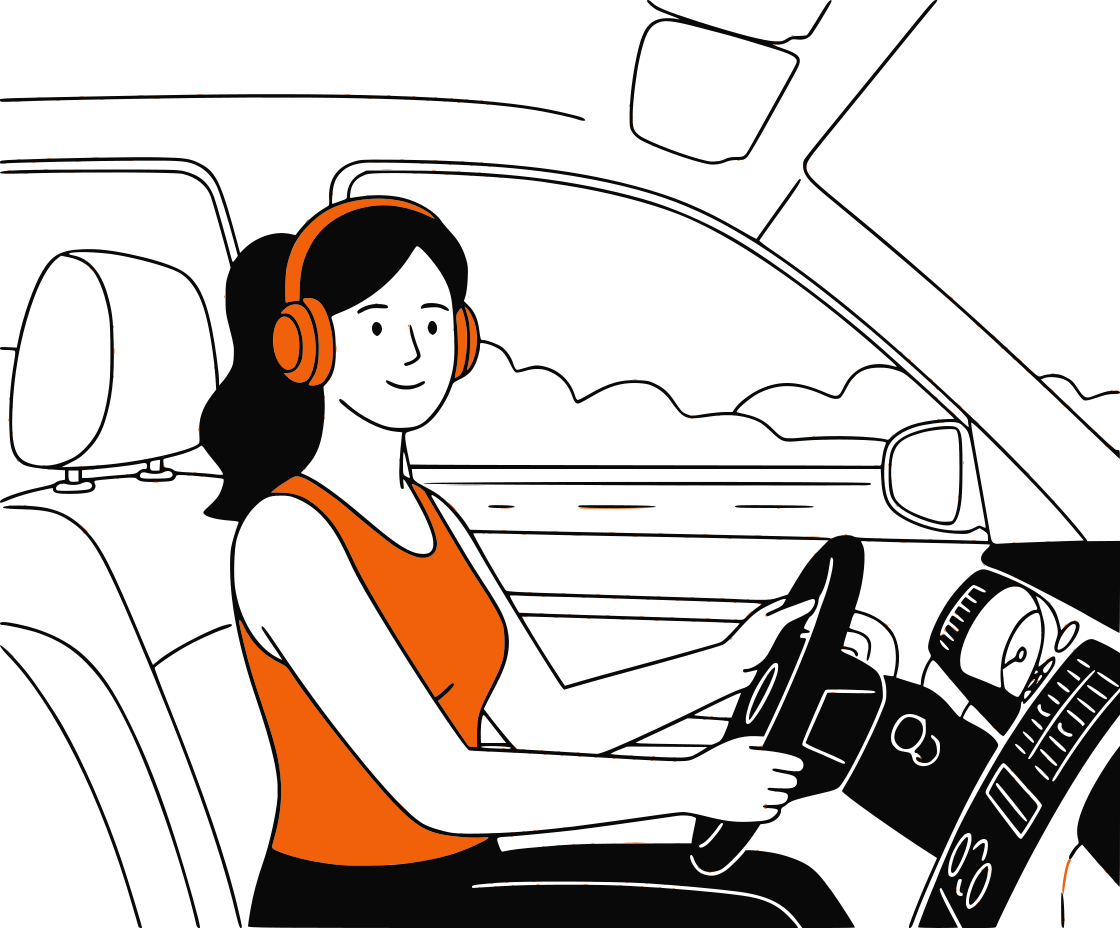
Listen While You Do Life
You can't read an article while folding laundry, doing the dishes, or driving. But you can listen to one. Turn your reading materials into audio and reclaim your time. It's the ultimate productivity hack for busy people.

Eye Relief
Give Your Eyes a Rest
Screen fatigue is real. If you've been staring at a computer all day, reading another PDF feels like torture. Just switch to 'Read This to Me' mode, close your eyes, and absorb the information without the eyestrain.
Better Proofreading
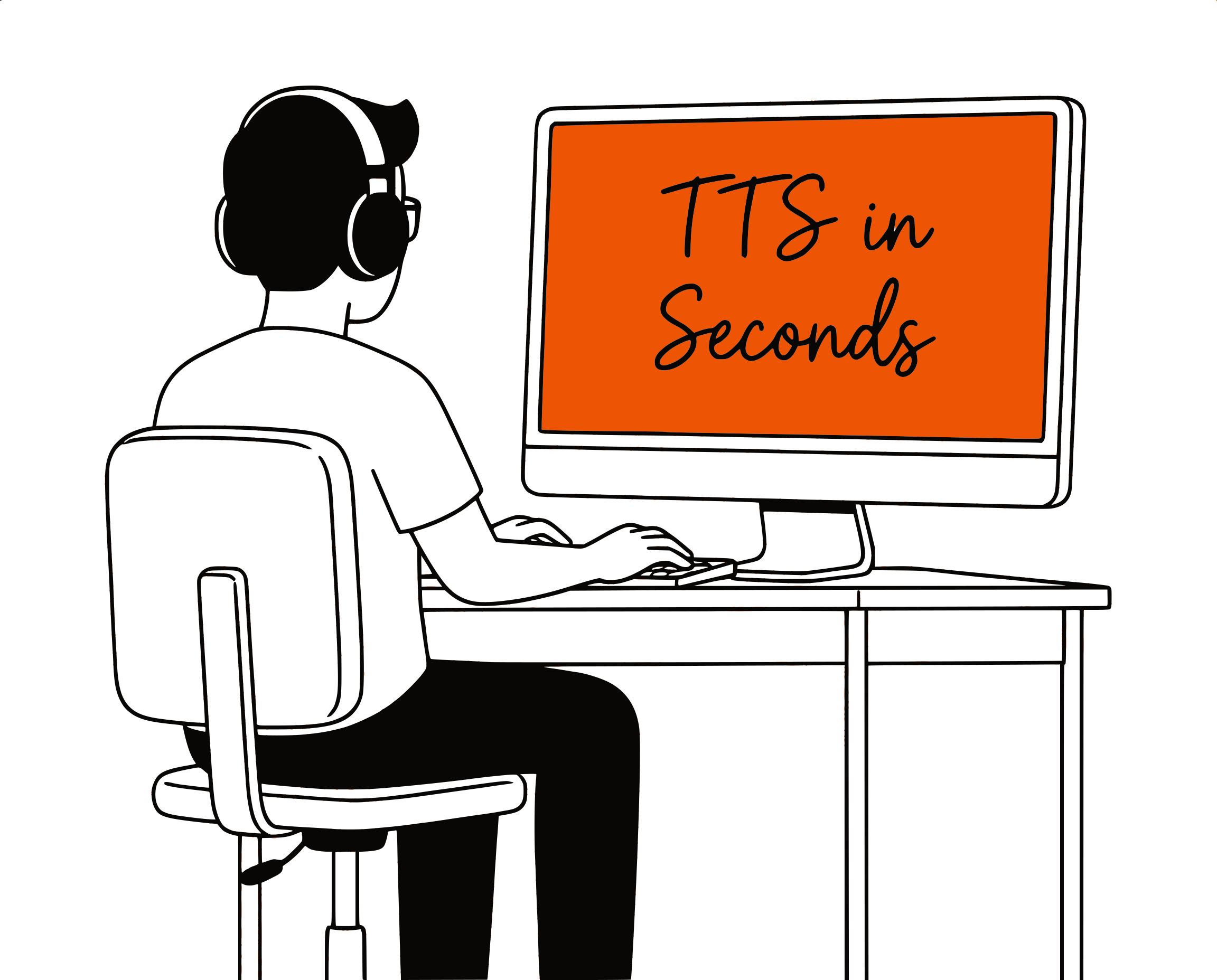
Catch Typos Your Eyes Miss
When you read your own writing, your brain often auto-corrects mistakes. Hearing it read back to you by a neutral AI voice exposes awkward phrasing and typos instantly. It's the secret weapon of great writers.

Simplicity
Start Simple, Then Use the Right Surface
Use the app or extension designed for the source. Webpages, documents, Kindle books, and Google Docs need different extraction and playback controls.
Common Questions
Straight answers about choosing a CastReader reading workflow
Can you read this to me?+
Yes — paste the passage into the reader at the top of this page and press Play. It is spoken by your own device, so there is no account, no upload and no usage cap. For a file, a live webpage or a Kindle book, use the CastReader extension or app instead.
How do I get something read out loud for me instead of reading it myself?+
Three routes, depending on where the text lives. Loose text: paste it above. A webpage, email or AI answer: the browser extension adds a Listen control in place. A PDF, EPUB or Kindle book: the mobile app keeps your position across long reading sessions.
Can it read it back to me so I can catch mistakes?+
Yes, and that is one of the most common reasons people use it. Hearing your own draft read back surfaces repeated words, missing words and clumsy sentences that your eyes skip over. Paste the draft above and follow the highlighted sentence.
Is there a limit on how much you will read to me?+
The player on this page reads up to 3,000 characters per run, and you can run it as often as you like — it costs nothing to serve because it never leaves your browser. For whole documents and books without splitting them up, use the extension or mobile app.
Do I need to install anything to have text read to me here?+
No. This page uses the speech engine already built into your browser and operating system, so it works immediately. Installing CastReader is what adds natural AI voices, whole-file reading, Kindle Cloud Reader support and cross-language explanation.
What can the reader on this page do, and what needs the extension?+
There is a working reader on this page again: paste a passage above and press Play. It runs on the speech engine built into your browser, so it needs no account, uploads nothing, and costs nothing to serve. What it does not do is natural AI voices, whole files, live webpages or Kindle books — those need the CastReader extension or mobile app, and the table further down routes each content type to the right one.
What can I do for free, and when is Pro needed?+
CastReader is free to start with daily allowances. Pro provides higher usage limits and additional voice and explanation access. See the pricing page for current limits.
Which workflow should I use for copied text?+
Use the download center to choose a mobile or browser surface that accepts the text where you are reading. The public web generator on this page is not currently available.
Can CastReader read PDFs, DOCX files, EPUBs, and images?+
CastReader provides document workflows for PDF, DOCX, EPUB, and image or screenshot OCR. Availability depends on file access, format, DRM, extraction quality, and the selected surface. Start with document upload.
Can CastReader read webpages and Google Docs?+
The browser extension can read supported rendered pages and has dedicated workflows for sources such as Google Docs. Website structure and permissions can change, so no extension can guarantee every page.
Can it listen to Kindle books on iPhone and Android?+
Use the Kindle on Phone workflow for iPhone or Android. Availability depends on the book, platform, content access, and the text CastReader can legitimately process.
Can CastReader explain difficult or foreign-language text?+
Yes, through Read & Explain. It keeps the source visible and provides Overview, Standard, or Deep guidance. It is a reading aid, not certified translation or professional advice.
Does one account sync everything across devices?+
The same login email keeps Pro entitlement aligned across supported surfaces. File libraries, content, and progress availability vary by workflow and should not be assumed to sync universally.
How is my content handled?+
Content may be processed to provide extraction, OCR, speech, account, or explanation features. Do not submit material you are not allowed to process, and review the privacy policy for current handling details.
Which voice should read my book, PDF, or study material?+
Use the reading voice library to filter and preview the real catalog. Choose for sustained clarity over a long session, not only for the first sentence.
Something sounding off? Let us know at support
Choose the right read-aloud path
Loose text is handled by the player above. Everything else — files, live webpages, Kindle books, or a passage you need explained — has a workflow built for it.
Copied text or a short passage
Use the mobile app or a supported CastReader surface to paste text and start a reading session.
PDF, DOCX, EPUB, or image
Use the upload workflow for longer files, OCR, document structure, and document-friendly playback.
Webpage, article, or AI answer
Install the browser extension to read supported rendered pages aloud in place with highlighting.
Kindle books on a phone
Use the iPhone or Android app for a phone-first Kindle bookshelf and long listening sessions.
Google Docs or browser work
Use the browser workflow and troubleshooting guide when ordinary read-aloud controls cannot access the document.
A passage I need to understand
Use Read & Explain to keep the source visible and choose Overview, Standard, or Deep guidance.
Read it wherever it lives
Use the web tool for pasted text, the extension for webpages and Google Docs, and the mobile apps for Kindle, PDFs, EPUBs, and long reading sessions.
Browser extensions
For local PDF, DOCX, TXT, Markdown, and images, plus supported webpages and browser-based readers. Local EPUB import is not available.
Mobile apps
For DRM-free EPUBs and mobile reading on iPhone, iPad, and Android.
Official App Store and Google Play downloads · Chrome, Edge, and Firefox extensions