Why doesn't Chrome's Read Aloud work on PDFs?
Chrome's built-in Read Aloud is scoped to web pages only. The PDF viewer runs in a separate sandboxed frame, and Chrome's team explicitly excluded it from Read Aloud support. Extensions can bridge this gap, but most (including Speechify and NaturalReader) only handle the easiest case — digital PDFs with a clean text layer.
Does Speechify work on scanned PDFs?
No. Speechify reads the PDF text layer. Scanned PDFs have no text layer — they're images. Speechify will go silent. CastReader detects this and falls back to Tesseract OCR automatically.
What about PDFs that read gibberish in other tools?
Those are usually publisher-exported PDFs with CID-encoded fonts — the text layer maps 'Cat' to internal glyph IDs like 'J$*' to discourage copy-paste. Speechify and others read the internal IDs and produce nonsense. CastReader detects the gibberish pattern and re-extracts via OCR.
Is OCR accurate enough to read aloud?
For clean scans of modern printed material, Tesseract gets 98%+ accuracy. For historical documents, multi-column layouts, and handwritten scans, accuracy drops. CastReader uses LSTM-based Tesseract 5 for best results on Latin scripts, and handles Chinese, Japanese, and Korean via dedicated language packs.
Does it work on password-protected PDFs?
If Chrome's PDF viewer can display it (i.e., you've entered the password), CastReader can read it. We don't bypass DRM — only read what you can already see.
What about PDFs on Dropbox, Drive, or attached to emails?
Yes — as long as the PDF opens in Chrome's viewer (the default for Google Drive, inline Gmail attachments, most web links), CastReader attaches automatically.
Will OCR slow my laptop down?
Tesseract runs in WebAssembly on a background thread. The first page of a scanned PDF takes ~3 seconds. Subsequent pages pre-process while you listen, so you rarely feel it. CPU spikes briefly per page, then idles. No GPU required.
What voices and languages are supported?
40+ natural AI voices across English, Spanish, French, German, Japanese, Chinese, Korean, Portuguese, and more. Language is auto-detected from the extracted text — both for digital PDFs and OCR output.
What if I want to listen on my phone?
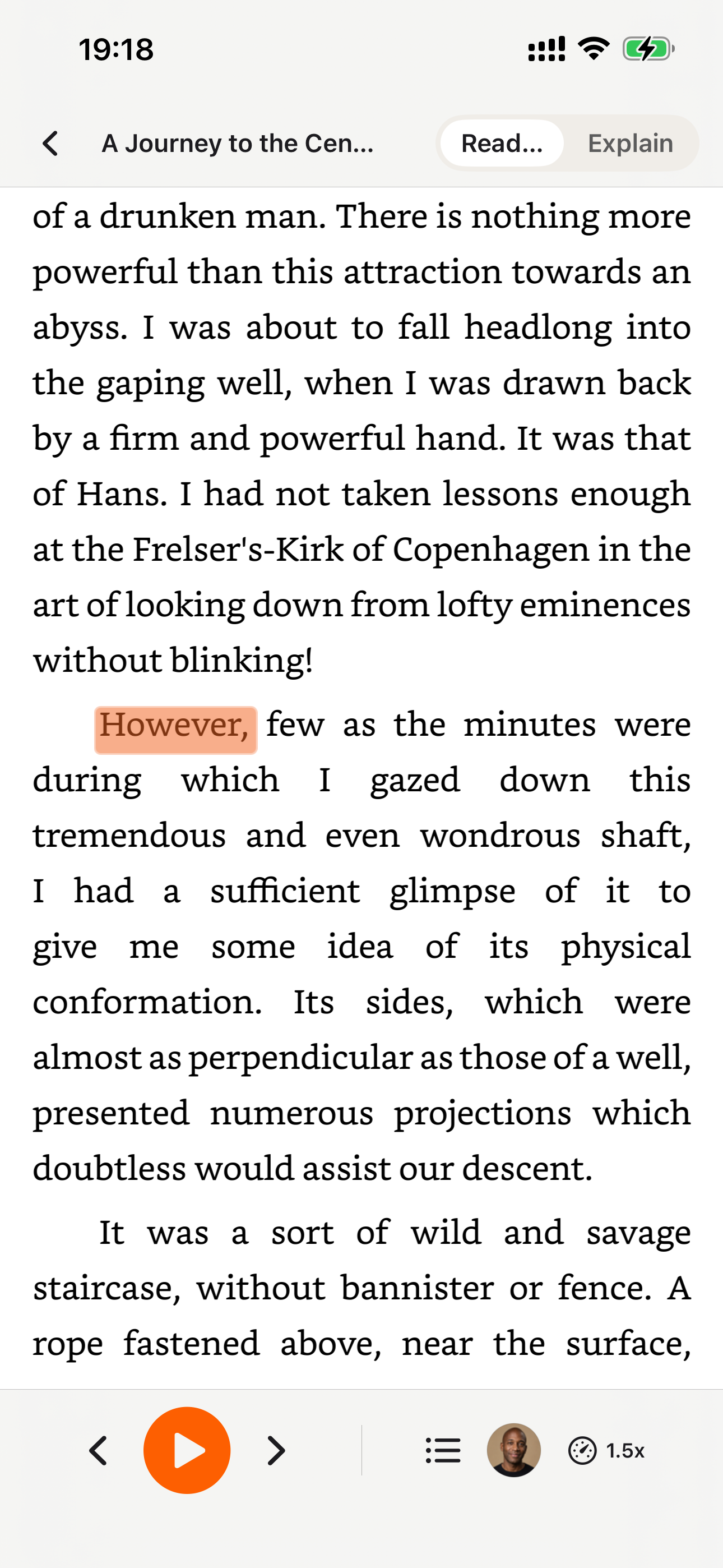
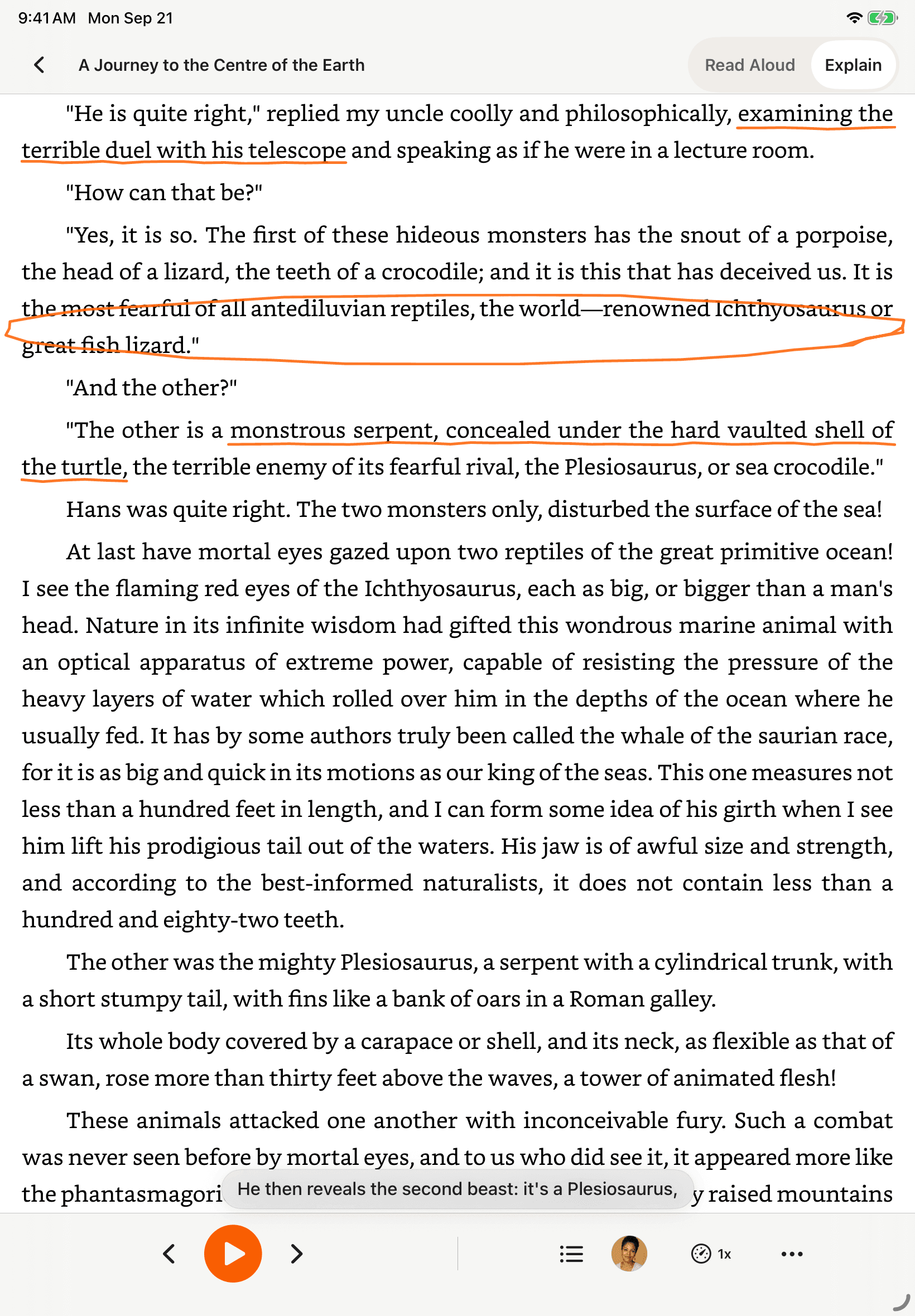
Install the native CastReader app for iPhone or Android — it reads PDF, DOCX, EPUB, and screenshots via OCR, with background playback. The Chrome, Edge, and Firefox extensions are the desktop-browser options.
Is there a free trial or daily limit?
CastReader is free to use — read PDFs with natural AI voices, no account required. The free tier covers everyday reading; upgrade to CastReader Pro for premium ultra-realistic voices, more listening hours, and AI document analysis. No paywalled OCR like NaturalReader, and no $139/year like Speechify.
Can I translate this content as well as read it aloud?
Use a CastReader extension version with Translate to translate supported rendered webpages, files and Kindle Cloud Reader and listen to the result. The original remains available. If your installed version has no Translate control, check for an update or use the website’s text translation tool or local file reader. Availability varies by browser version and readable content. Translation does not bypass login, DRM or publisher access restrictions.
How much translation is included?
Signed out: 3,000 source characters per UTC day on this browser. Signed-in Free: 30,000 per UTC day. Pro: 3,000,000 per UTC calendar month. Signed-in usage is shared across devices and supported webpage, file, Kindle and video-caption translation. Letters and punctuation count; whitespace and protected code/formulas do not. Translation-service failures are not charged. The same successfully translated passage and target language are charged once within the same period; different segmentation or a new target language can create new usage. Daily quotas reset at 00:00 UTC, and Pro resets at 00:00 UTC on the first day of the month.
Does translating use my listening or Explain allowance?
Translation characters, cloud listening time and AI Explain requests are separate allowances. Translation itself does not start audio or consume an Explain. On-device reading remains free without a time allowance; CastReader AI reading requires sign-in and follows your listening plan. Reaching a translation limit preserves existing translations and the original; you can still listen when your selected voice has allowance. Pro users who reach their translation limit should wait for reset, not buy Pro again.