Let Someone You Love Read to You—With Their Permission
Send a private request to someone you love. They record, preview, and authorize their own voice, then let it appear in your library without sharing an account.
Available today
Voice Gift lets you ask a living friend, partner, or family member to authorize their own voice without you uploading their recordings. You create one private link—no recipient email or expiry form—and send it through a channel you trust. They open it, record, listen to the generated cloned-voice preview, and tap Send without creating an account or entering an email code. After they tap Send, their part is complete and the voice appears under My Readers. Download CastReader to read Kindle books in the voice of someone you love. Using the voice in Read Aloud or Explain requires Pro and shares the recipient’s 120-minute membership-month personal-voice allowance.
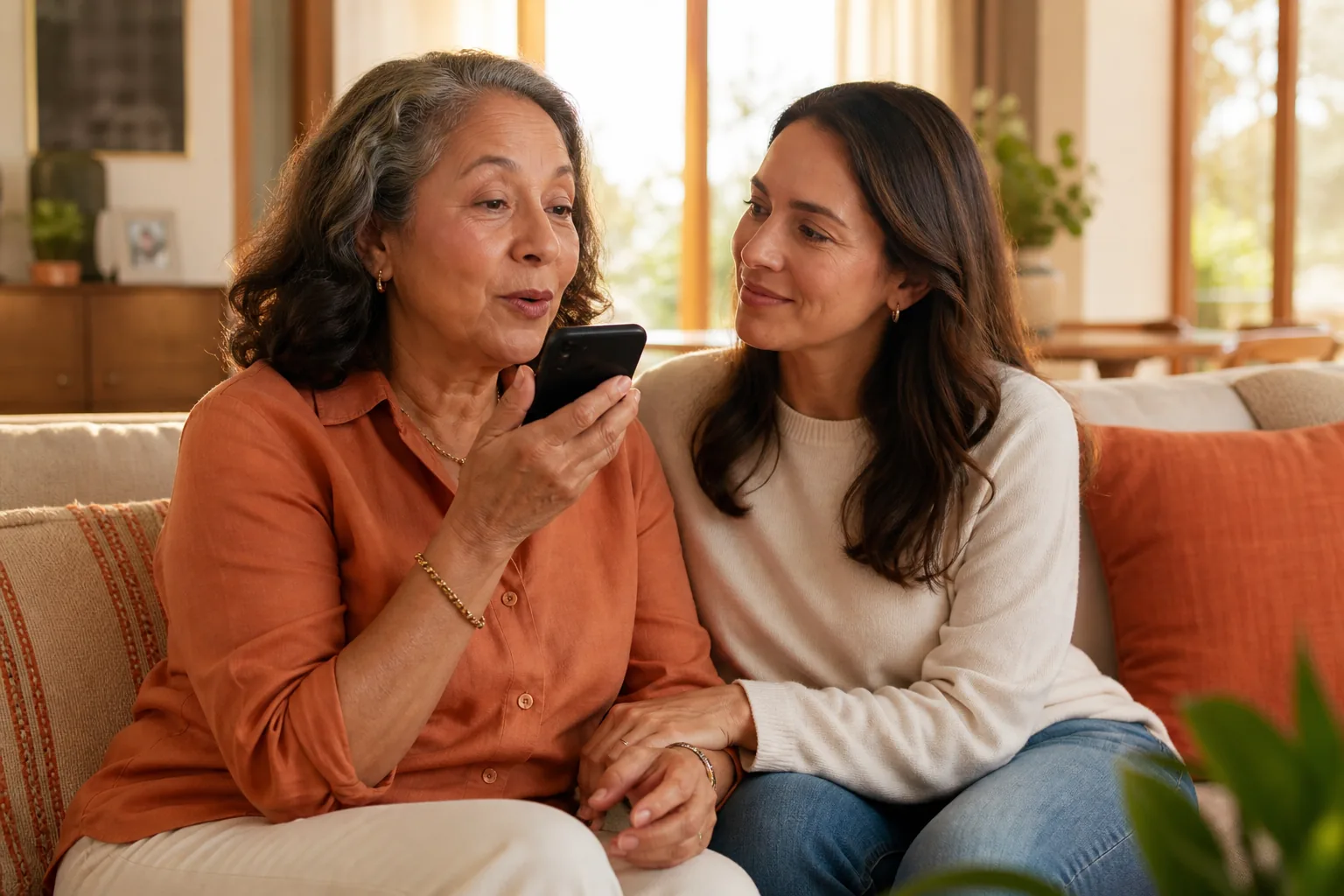
Choose the Voice Gift path you need
The new Web flow has one short path: create a private link, let the invited person record and preview, then finish with one Send action.
I want someone’s voice
Create one private request link and send it directly through a channel you trust.
Create a requestI was asked to record
Open the private link, record, listen to the cloned-voice preview, then send. No email or code is required.
Review the recording stepsI want Kindle books in a loved one’s voice
Download CastReader, invite someone you love to record, and listen to Kindle books in their voice.
Download CastReaderRead a file with the shared voice
After authorization, open an allowed file and choose the voice from Shared with me in the web reader.
Open a fileFamiliar-voice access without giving away control
The permission is narrow, private, and checked again whenever the recipient generates speech.
Consent stays with the voice owner
Anyone can request a voice, but only the invited person can record, review the generated preview, confirm consent, and tap Send. After Send, their part is complete—there is no email or recovery step.
The invitation stays private
CastReader stores a one-way token digest. The complete token travels in the link fragment, is removed from the address bar, and the invitation can be completed only once by the first person who finishes recording and sends.
Access is not permanent ownership
The recipient can use the voice for personal TTS while the grant is valid, but cannot transfer the grant or take ownership of the source clone.
Share the result, the permission—not the account
These three actions are not equivalent. Use the narrowest one that solves the real need.
| What you share | Best for | Control |
|---|---|---|
| One downloaded WAV | A finished message or story | Recipient gets that file; no ongoing voice access |
| One Voice Gift | Changing text or documents in a familiar voice | One requester, fixed purpose, revoke and remove |
| Your CastReader account | Never recommended | Exposes unrelated data and bypasses recipient controls |
From a private request to Shared with me
- 1
The listener creates a private request
The requester creates a one-time private link and sends it directly to the intended voice owner.
- 2
The invited owner reviews and records
That person records, listens to the generated cloned-voice preview, and decides whether to send it. No email or verification code is required.
- 3
The owner sends the Voice Gift
The owner explicitly authorizes private Read Aloud and Explain access, valid until they revoke it.
- 4
The voice enters the requester’s library
It appears under My Readers for authorized reading. After Send, the invited person is done; CastReader shows a direct download invitation instead of another email or recovery step.
A loved one’s voice should arrive as permission, not impersonation
The emotional request is often simple: let my partner, parent, or another living family member read something when we are apart. The listener can now start that conversation with a private request link, but cannot clone the other person’s recordings or approve access on their behalf.
The invited person remains the voice owner. They record, listen to the cloned-voice preview, and decide whether to send the final authorization. No email or verification code is required at any point in the new Web flow. After they tap Send, their part is complete and the page moves directly to a CastReader download invitation.
The grant is for personal text-to-speech. It is not public voice-library placement, account sharing, identity transfer, or permission to impersonate the speaker. The recipient should disclose generated speech whenever context could make a listener believe it is a new recording or live statement from the owner.
Voice Gift is only for a living owner who can actively consent by opening the private invitation and recording or selecting their own voice. CastReader does not support posthumous voice recreation and asks users not to upload recordings of a deceased person.
Voice Gift questions
What the owner gives, what the recipient receives, and how access ends.
Does the recipient own or download my source voice?
No. The private source recording and clone remain hidden and are never transferred. A valid recipient receives permission to request personal TTS through CastReader; the grant does not transfer ownership or expose the original recording. Generated audio can still be downloaded where the product offers WAV download.
Can the recipient share the Voice Gift with someone else?
No. Delivery and synthesis are bound to the requester’s account. The recipient cannot reassign the grant or create another invitation from it.
Does CastReader email the request or invitation?
The requester sends the complete private link through a channel they trust; CastReader notifies the requester when the voice is delivered. The new Web flow never asks the requester for a recipient email and never asks the invited person for an email or verification code. Tapping Send completes the invited person’s task, and the page then explains that CastReader can read Kindle books in the voice of someone you love. Do not post the invitation link publicly.
Can the shared voice read a PDF, EPUB, or DOCX?
Yes. After acceptance, the voice appears under Shared with me in the web document reader. Using it requires Pro and shares the recipient’s 120-minute membership-month personal-voice allowance. Document rights and the Voice Gift grant are checked on every request.
Can I create a Voice Gift from someone who has died?
No. The current product requires a living voice owner to open the invitation, record or select their own clone, listen to the preview, and personally authorize the grant. Posthumous recreation is not supported; read the full safety boundary.
Use or manage a Voice Gift
Voice Cloning
Request a familiar voice with one private link, create your own private clone, or choose a reader shared with you.
Upload and Read
Open an authorized file and select an accepted voice from Shared with me.
Bedtime Stories
Use a parent’s own voice or owner-authorized gift for a private family story clip.
Voice Cloning Safety
Review ownership, consent, revocation, deletion, disclosure, and unsupported uses.
Invite them, then let them stay in control
Send a private request. They sign in, record their own voice, choose the expiry, and make the final authorization.